
Restrict Content on WordPress
Choose who can see your pages, posts, or even your whole site. You choose the rules, ContentGate handles the restriction.
What Makes ContentGate Special?
No coding. No confusion. Just make a rule and choose how visitors view your website.
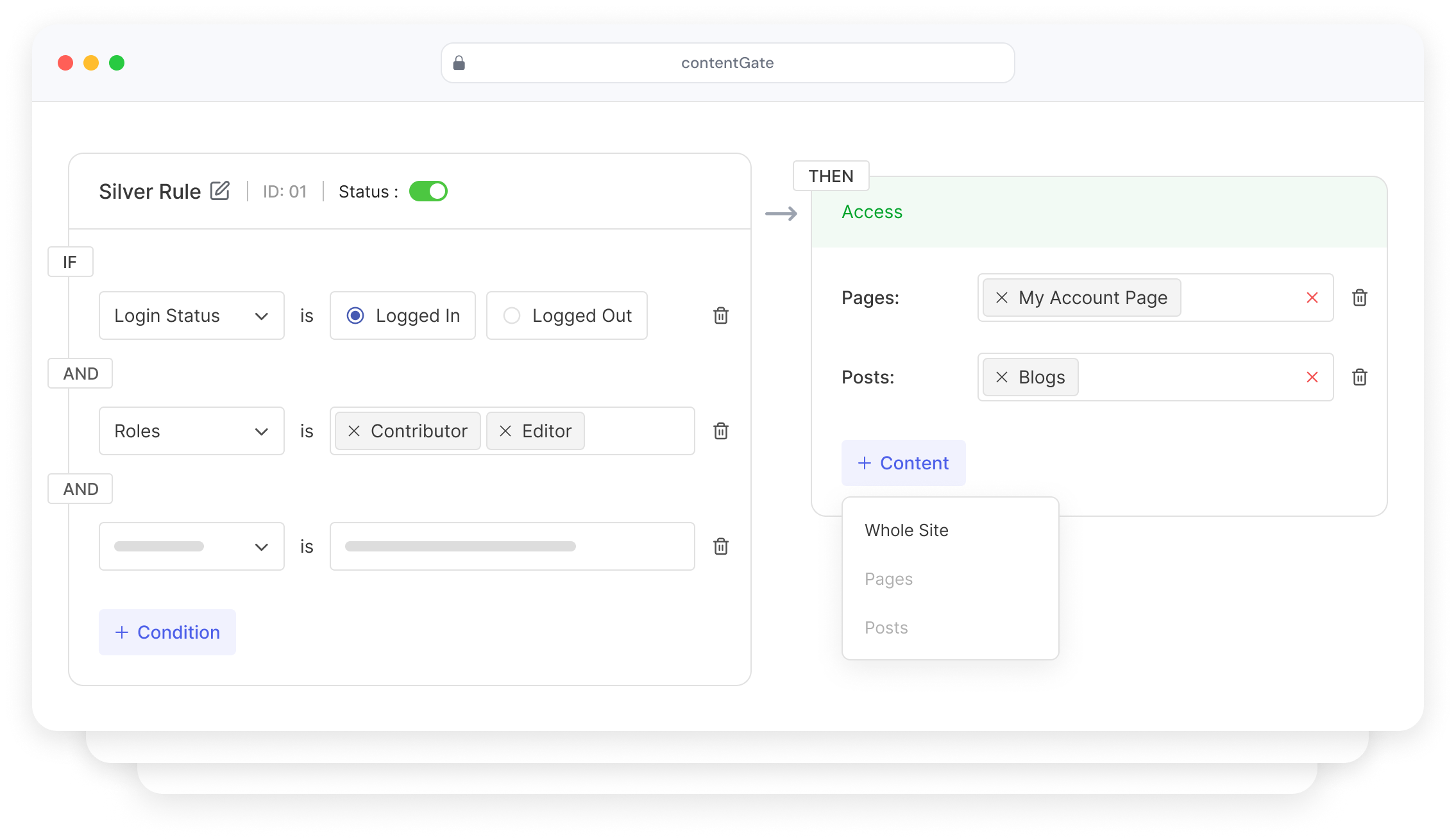
Easy Rule Builder
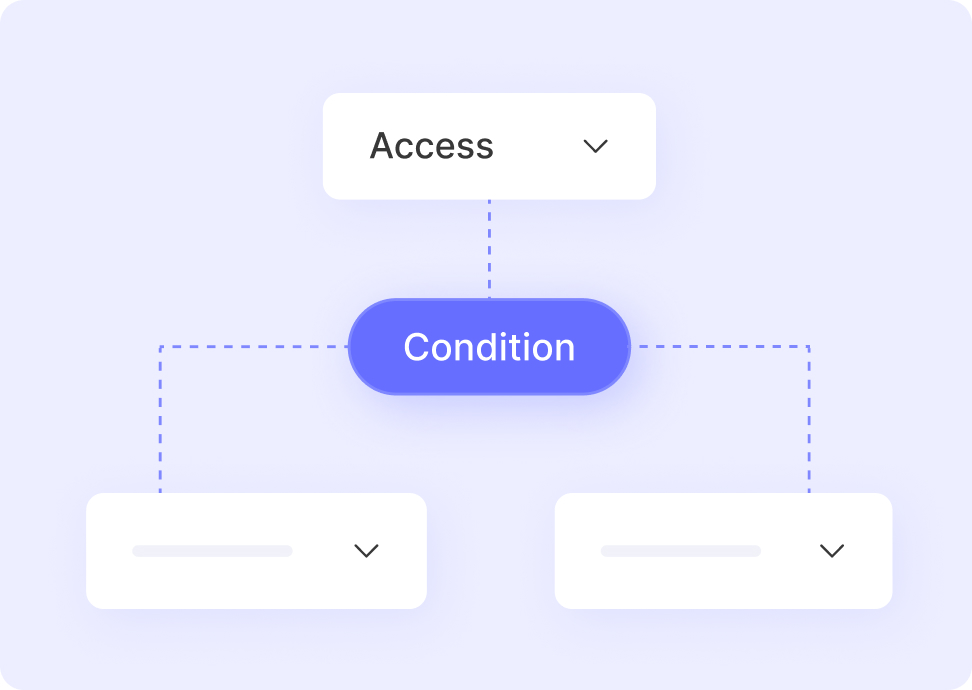
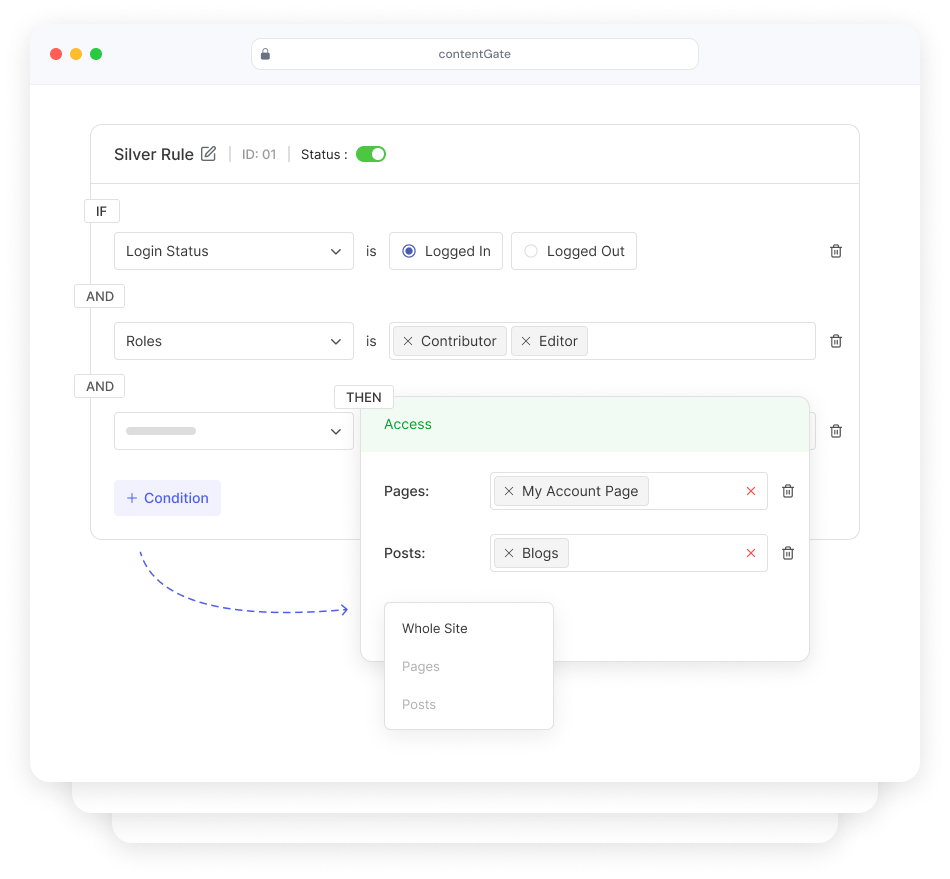
Make rules like “IF visitor is logged out → hide this page.” Combine conditions with AND logic — or, with Pro, OR logic and nested groups — all visually with zero code.
Instant Activation
Toggle any rule on or off instantly. Test restrictions in real time without touching theme files or functions.php.
Restrict Who You Want
Target visitors by login status and any WordPress role — including custom roles. Pro adds conditions that go far beyond roles.
Choose What Visitors See
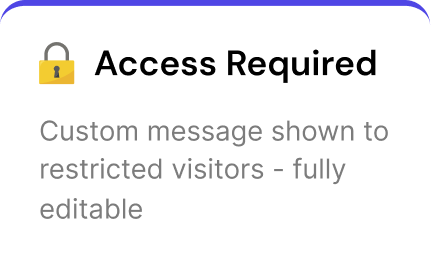
Show an editable restriction message with smart tags — or, with Pro, redirect visitors elsewhere or tease the content behind a blur.
Whole Site Lock
Put your entire WordPress site behind a single access rule. Only approved users can view anything at all.
Content Restriction Block
ProGate just part of a page. Wrap any section in the block and choose who can see it — right inside the editor.
Rule Scheduling
ProSet start and end dates so rules switch on and off by themselves — perfect for launches, drip content and limited-time access.
Restrict What You Need
From a single blog post to your entire website — ContentGate gives you granular control over every piece of content.
Pages
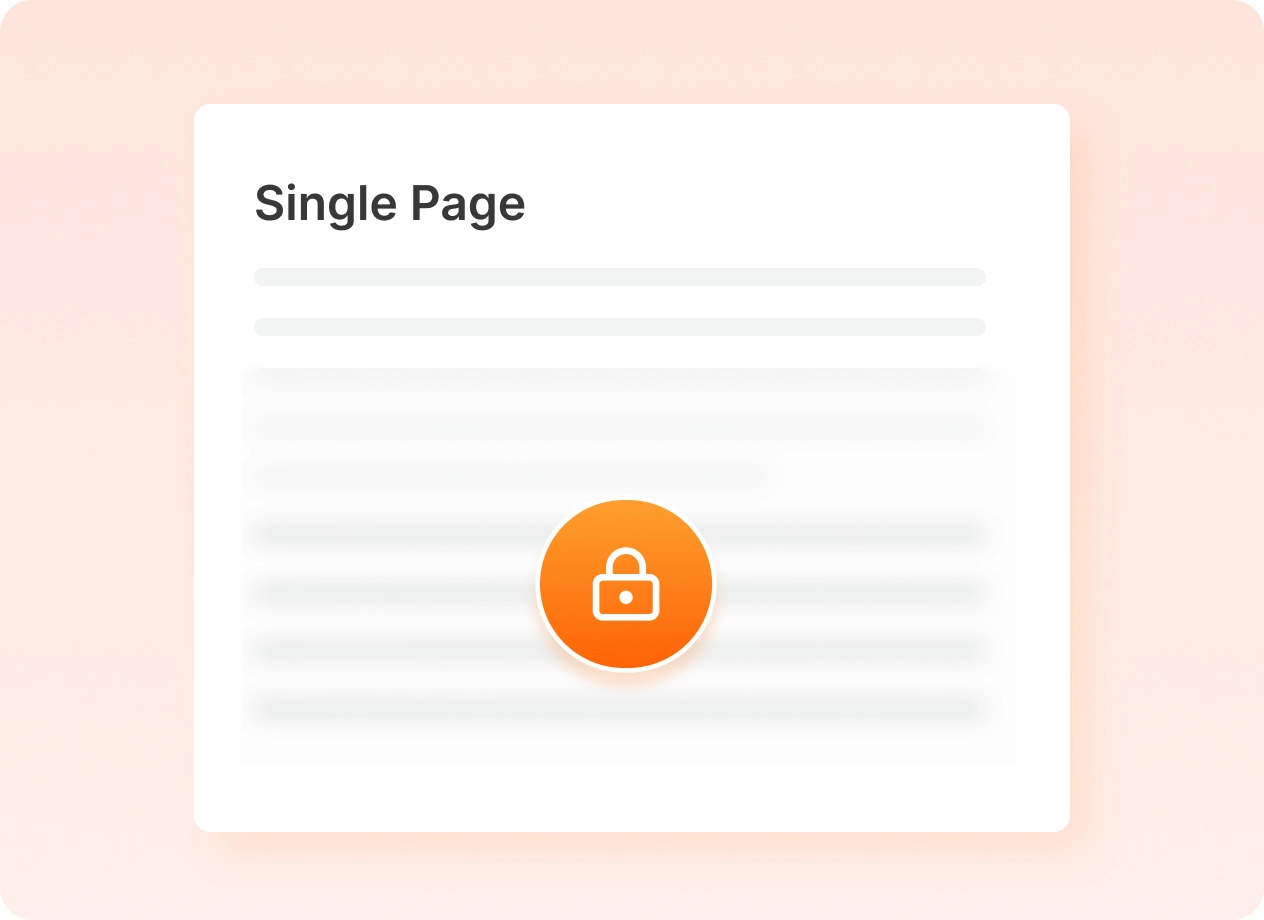
Hide any page you want. Perfect for private lessons, dashboards, or client pages.
Posts
Keep certain blog posts private so only the right people can read them.
Entire Website
Put your entire site behind a simple access rule. Only approved users can view.
Post Types
Restrict entire custom post types — products, courses, docs, or anything else.
Taxonomies
Lock every post in a category, tag, or custom taxonomy term at once.
Menu Items
Hide navigation links from visitors who can’t access what’s behind them.
Custom URIs
Protect any URL pattern on your site — even pages WordPress doesn’t manage.
Up and running in under 2 minutes
ContentGate is built for WordPress users, not developers. No shortcodes, no PHP, no headaches.
Install the Plugin
Download and activate ContentGate from the WordPress plugin directory in seconds. No setup wizard needed.
Create a Rule
Use the visual rule builder to define your conditions — like login status and user role, or advanced conditions with Pro.
Choose What to Protect
Select specific pages, posts, or toggle on “Whole Site.” Pro adds post types, taxonomies, menu items and custom URIs.
Decide What Visitors See
Write a branded restriction message — or, with Pro, redirect visitors or show a blurred teaser with a call to action.
Activate & Done
Toggle the rule on. Your content is now protected — instantly, reliably, beautifully.
Start free. Go Pro when you need more.
The free plugin covers everyday restriction. Pro unlocks advanced conditions, more content types and smarter ways to handle restricted visitors.
Free
Pro
Launch offer — 50% offFrequently Asked Questions
Quick answers to common questions about restricting content with ContentGate.
Read the documentation →What does ContentGate do?
ContentGate lets you control who can see your WordPress content. Create a rule, set conditions like login status or user role, choose the pages, posts or whole site to protect, and decide what restricted visitors see.
Do I need to write any code?
No. Rules are built with a simple IF → THEN builder: pick a condition, pick the content, choose what visitors see, and save. No shortcodes or PHP.
What’s the difference between Free and Pro?
Free lets you restrict pages, posts or your whole site by login status and user role. Pro adds advanced conditions (registration date, email domain, capabilities and more), OR logic and condition groups, extra content types like post types, taxonomies, menu items and custom URIs, per-rule messages, redirects, blur-with-CTA, rule scheduling and the Content Restriction block.
Can I restrict only part of a page?
Yes, with Pro. Wrap any section in the Content Restriction block and choose who can see it — the rest of the page stays public.
Can I upgrade from Free to Pro later?
Yes. Start with the free plugin and upgrade whenever you need more. Your existing rules and restriction message stay in place.
Will it work with my theme?
ContentGate uses native WordPress roles and the standard login system, so it works with your existing pages, posts and theme.
Start Protecting Your Content Today
ContentGate makes content restriction simple, fast, and stress-free. Start free — upgrade to Pro when you need more control.