
Restrict Content on WordPress
Choose who can see your pages, posts, or even your whole site.
You choose the rules, ContentGate handles the restriction.
Or
try the free version
Private Pages
Member Content
Exclusive Sites
Online Course
Private Forum

2 min
Average Setup Time
0
Lines of Code Needed
∞
Rules you can Create
100%
WordPress Native
WHY CONTENTGATE
What Makes ContentGate Special?
No coding. No confusion. Just make a rule and choose how
visitors view your website.

Restrict Who You Want
Choose who sees content based on user role, logged-in status, registration date and more.

Instant Activation
Toggle any rule on or off instantly. Test restrictions in real-time without touching theme files or functions.php.

Easy Rule Builder
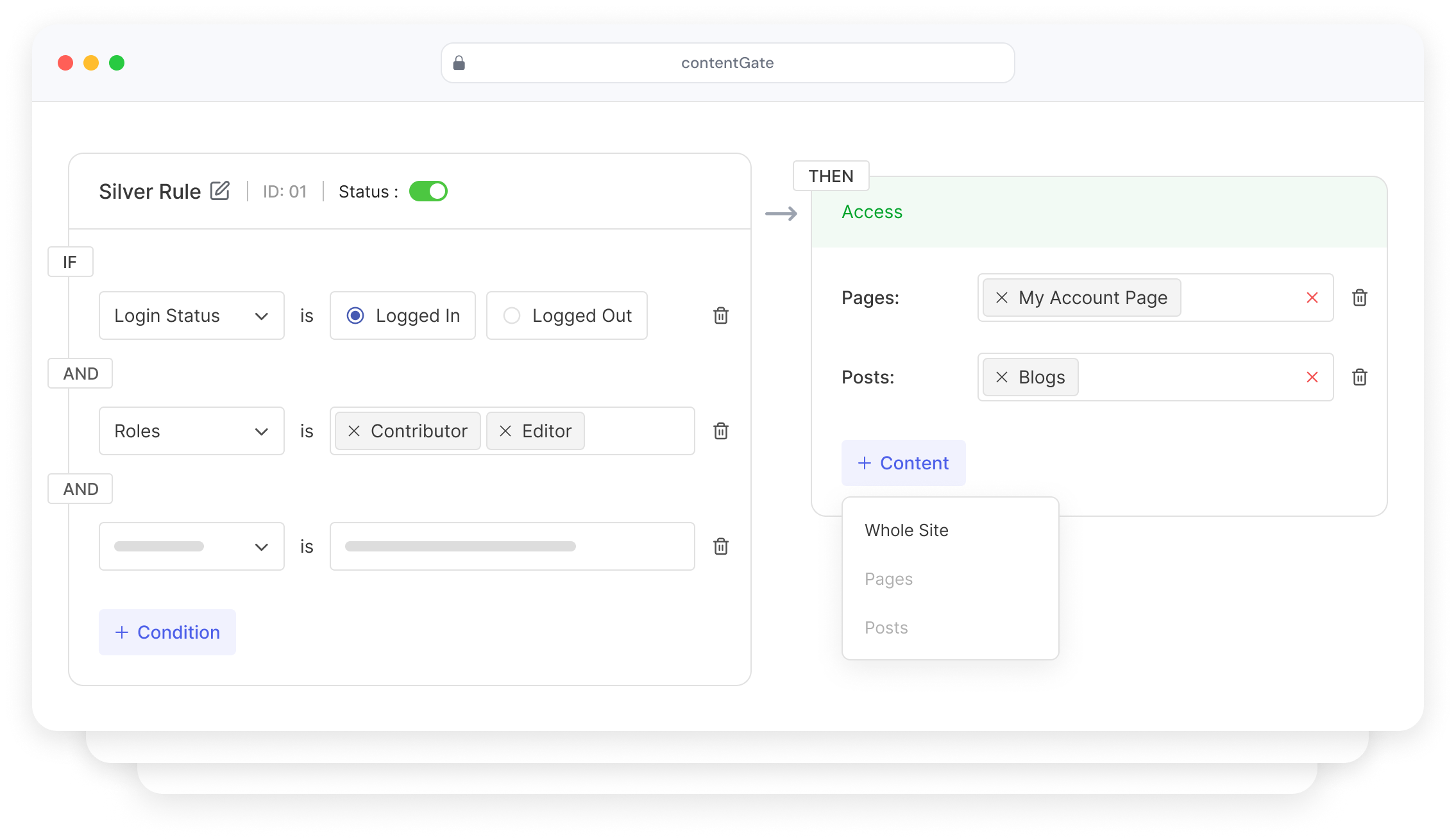
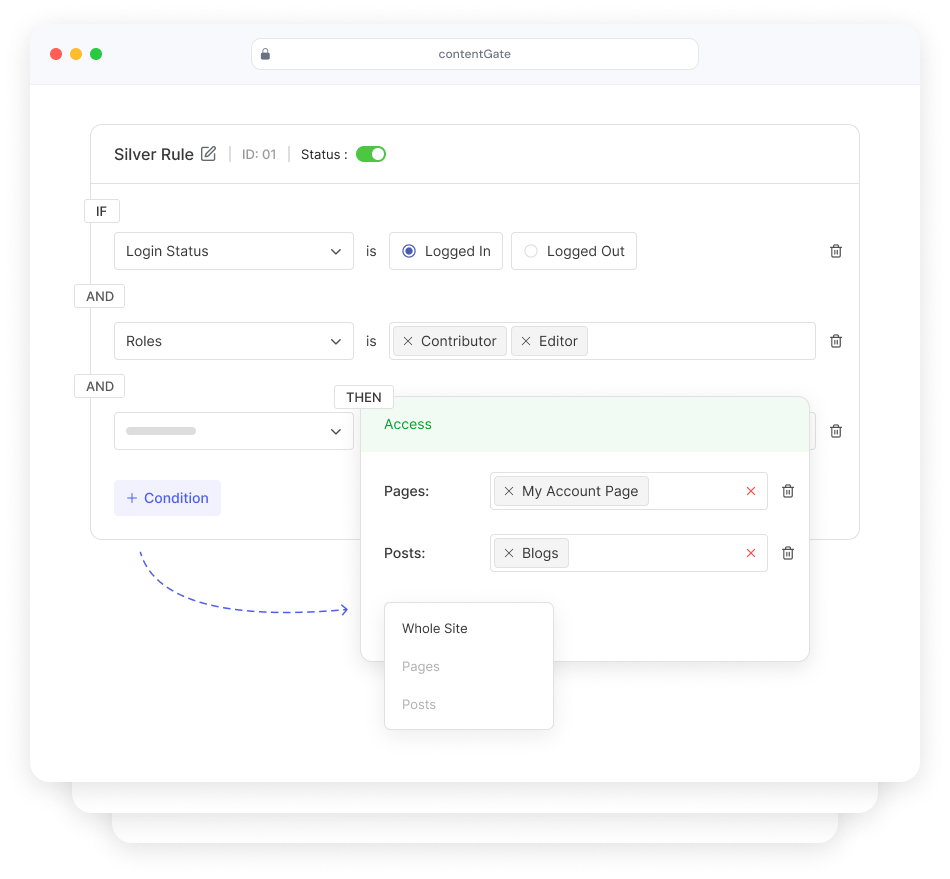
Make rules like “IF visitor is logged out → hide this page.” Build complex logic visually with zero code.

Role-Based Control
Target specific WordPress user roles — Contributors, Editors, Admins, or any custom role you’ve created.

Simple Restriction Message
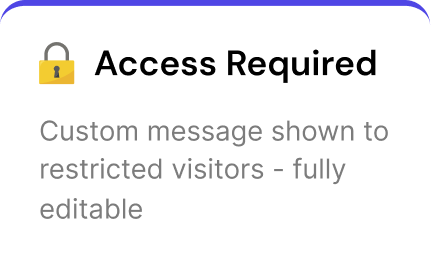
Add fully editable message that visitors see when they don’t have access to a post or page.

Whole Site Lock
Put your entire WordPress site behind a single access rule. Only approved users can view anything at all.
WHAT YOU CAN PROTECT
Restrict What You Need
From a single blog post to your entire website — ContentGate gives you
granular control over every piece of content.
Pages
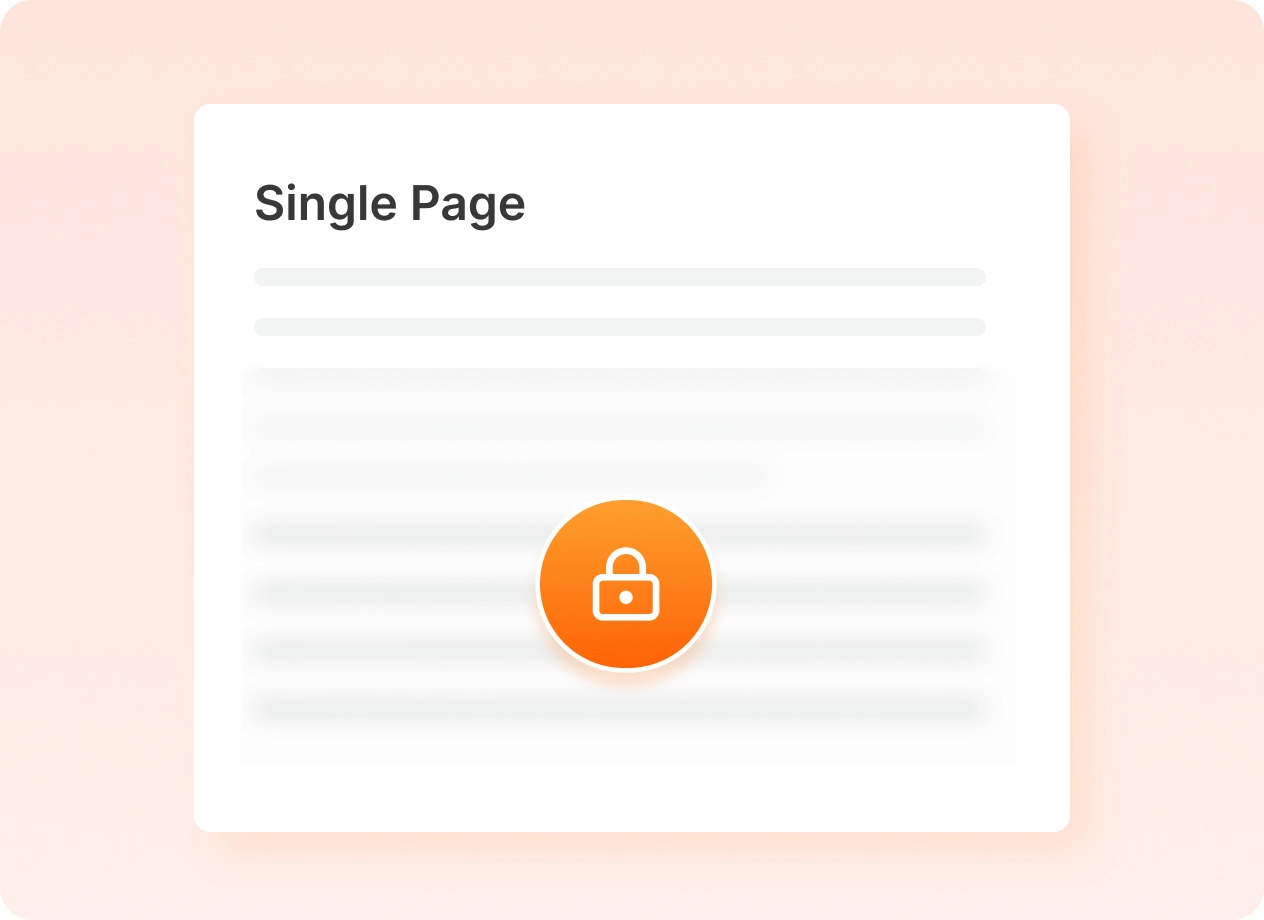
Hide any page you want. Perfect for private lessons, dashboards, or client pages.
Posts
Keep certain blog posts private so only the right people can read them.
Entire Website
Put your entire site behind a simple access rule. Only approved users can view.
HOW IT WORKS
Up and running in under 2 minutes
ContentGate is built for WordPress users, not developers.
No shortcodes, no PHP, no headaches.
1
Install the Plugin
Download and activate ContentGate from the WordPress plugin directory in seconds. No setup wizard needed.
2
Create what to Protect
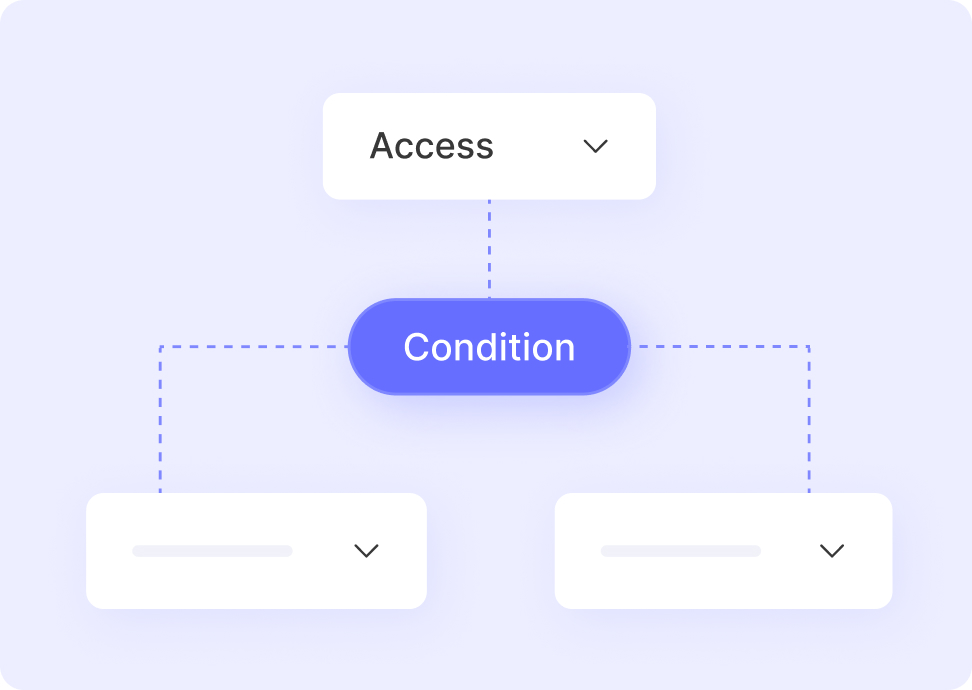
Use the visual rule builder to define your condition — like user login status and user role.
3
Choose what to Protect
Select specific pages, posts, or toggle on “Whole Site” to protect everything at once.
4
Customize the Message
Write the message visitors see when they’re restricted. Brand it, link it, make it yours.
5
Activate & Done
Toggle the rule on. Your content is now protected — instantly, reliably, beautifully.
Frequently Asked Questions
Quick answers to common questions about using User Registration & Membership for membership sites.
User Registration & Membership is built for WordPress site owners who want to monetize content through memberships. This includes course creators, content publishers, coaches, online communities, client portals, subscription businesses, and anyone selling access to premium content or services.
Yes. Custom registration and login forms are core features of User Registration & Membership. Build forms with 60+ field types using our drag-and-drop builder. We’ve now added complete membership management, payments, and content restriction to make it a full membership solution.
Yes. User Registration & Membership is completely standalone with a built-in payment system. You don’t need WooCommerce, third-party payment plugins, or any other dependencies. Everything—memberships, payments, forms, and content restriction—works from one plugin.
Yes. The free version includes everything you need to create membership plans, accept payments (Stripe, PayPal, bank transfer), and restrict content. Paid plans add recurring subscriptions, additional payment gateways, fixed period memberships, and advanced automation.
If you already have content ready to monetize, you can set up a complete membership flow in under 10 minutes. This includes creating membership plans, connecting payments, and applying content restrictions.
URM supports payments through Stripe, PayPal, and bank transfer, with additional gateways available in Pro. Payments stay connected to membership access, renewals, and upgrades automatically.
No. User Registration & Membership includes a setup wizard that guides you through the initial setup and a site assistant feature that helps you complete necessary steps. Set up memberships, payments, and content restriction without any coding.
GET STARTED TODAY
Start Protecting Your Content Today
ContentGate makes content restriction simple, fast, and stress-free.